
LESCO Net Metering: Step-by-Step Application Guide

If you live in Lahore and want to sell your solar system’s extra electricity back to the grid, you apply to LESCO through the official net billing portal. In short, the lesco net metering application guide is this: you need a three-phase connection with a sanctioned load at least as large as your solar system, documents headed by a single-line diagram signed by a PEC-registered engineer, and an application filed on the PITC Net Billing Portal. LESCO then reviews the file, inspects the site, signs an interconnection agreement with you, and installs a bi-directional green meter. Most clean applications finish in about 30 to 60 days. This guide walks you through every step and the mistakes that cause most delays.
Net metering in Pakistan is regulated nationally by NEPRA, the National Electric Power Regulatory Authority, but the application is handled by your local distribution company — in Lahore, that is LESCO. The rules are national, but the offices, the sub-division you file with, and the speed of the process are local. Our latest net metering policy guide explains the 2026 rule change in full.
What LESCO Net Metering Means in 2026
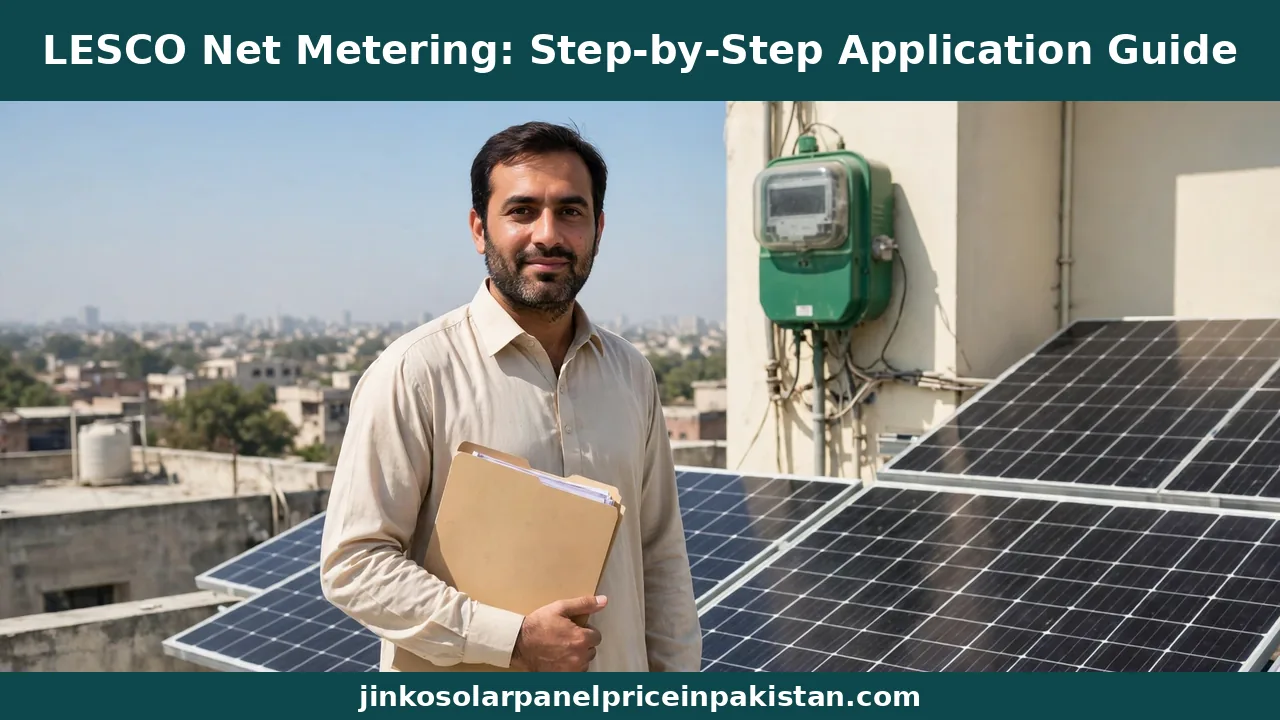
Net metering lets a home solar system send surplus electricity into the grid and receive credit for it on the bill. A bi-directional meter — the green meter — records both directions: units drawn from the grid, mostly at night, and units exported during the day.
One thing has changed for new applicants. On 9 February 2026, NEPRA replaced the old net metering regulations with the Prosumer Regulations 2026, and new applications are now processed as net billing: imports and exports are valued separately instead of being cancelled out unit for unit. Agreements signed before that date keep their old terms, but new applications fall under net billing. The steps are the same either way; only the billing treatment of your exported units differs, as our guide on how net metering billing works in Pakistan explains.
Who Can Apply: The LESCO Eligibility Checklist
Check these four conditions first — an application that fails any of them is returned, and fixing it afterwards costs weeks.
You must be a LESCO consumer. The connection must be in the applicant’s name, with a valid reference number on a LESCO bill; tenants need the owner’s written consent.
You need a three-phase connection. Under the 2026 regulations, a net billing applicant must be a three-phase consumer. If your home is still on a single-phase meter, apply for a three-phase conversion first.
Your sanctioned load must cover your system size. The system you propose cannot be bigger than the sanctioned load shown on your LESCO bill. In practice, LESCO applications are made for systems of 5 kW and above, and the sanctioned load must be at least as large as the system. If it is too low, extend it first — see our guide on what sanctioned load means in net metering.
Your transformer must have spare capacity. LESCO checks the transformer feeding your street. If the solar capacity already connected to it has reached its permitted share, your application waits until capacity frees up. Ask your installer to check this before you file.
Documents You Need Before You Apply
LESCO offices are strict about documentation: one missing paper can hold the file up for weeks. Gather everything below before you file, and keep a copy of each document.
| Document | What it proves |
|---|---|
| Copy of your CNIC | Identity of the applicant |
| Latest LESCO bills | Reference number and sanctioned load |
| Property ownership proof or title document | Ownership of the premises, or the owner’s consent |
| Single-line diagram (SLD) signed by a PEC-registered engineer | Electrical design, cable sizing, and earthing |
| Inverter datasheet and test reports | The inverter meets the required standards |
| Solar panel datasheets | Model and capacity of the panels |
| Load calculation report | System size matches your sanctioned load |
| Installer agreement and certification | Work done by a certified installer |
| Net billing application form (Schedule-II) | The formal application, available on the portal |
The single-line diagram is the document most first-time applicants underestimate. It is not a sketch of where the panels go: it is a certified electrical drawing of the whole system, signed by a PEC-registered engineer. Your installer normally arranges this — a file without a signed SLD does not move. Our net metering documents checklist covers each paper in more detail.
LESCO Net Metering Application: Step-by-Step
Here is the process in order, from the first check to the day your green meter starts counting exports.
Step 1: Check Your Bill and Your Load
Start with your latest LESCO bill. Note the reference number, the connection type — it must say three-phase — and the sanctioned load. Compare the sanctioned load with the system size you plan to install. If the load is too low, do not file yet: apply for a load extension through the ENC portal first. Our guide on how to calculate your home’s electricity load for solar shows how to work it out.
Step 2: Get the System Designed and the SLD Signed
A licensed electrical engineer designs the system and prepares the single-line diagram, including cable sizing and the earthing layout, to the standards in the NEPRA regulations. Choose a certified installer too — LESCO asks for the installer’s credentials with the file. Pick the inverter with the same care — only on-grid inverters that meet the required standards are accepted for net billing, and the inverter’s serial number and manufacturer details are recorded. See our solar inverter buying guide for Pakistan before you choose.
Step 3: Prepare the Full Dossier
Put the whole file together: the application form, CNIC, bills, property papers, signed SLD, equipment datasheets, load calculation, and installer agreement. Check every page against the list above before you submit — most LESCO delays start in a file filed incomplete. Read our guide to net metering application mistakes first.
Step 4: Apply on the PITC Net Billing Portal
Applications are filed on the official Net Metering / Net Billing Portal run by PITC, at nmp.pitc.com.pk. Select LESCO, fill in your connection and system details, and upload the dossier. Your installer can file on your behalf — most do — but the application is in your name, so check the details before it is submitted. Keep the tracking ID: it is how you follow the file afterwards.

Step 5: LESCO Acknowledges and Reviews the File
Once the file reaches your LESCO sub-division, the office must acknowledge it and tell you if anything is missing. The regulations set a short window for this acknowledgement and a further window for the initial technical review. If a document is missing, you get a few working days to supply it — respond immediately.
Step 6: Site Inspection by LESCO
LESCO then inspects the site. An officer verifies that the installed system matches the single-line diagram: panel capacity, inverter model and serial number, wiring, and earthing. Make sure the system is fully installed and the site is accessible on the inspection day. Our guide on net metering inspection preparation lists exactly what the officer checks.
Step 7: Sign the Interconnection Agreement
After a successful inspection, you and LESCO sign the standard Distributed Generation Interconnection Agreement, which runs for five years under the 2026 regulations. Read it before you sign — it sets out how your exported units are valued and how any surplus credit is settled.
Step 8: Green Meter Testing, Installation, and Activation
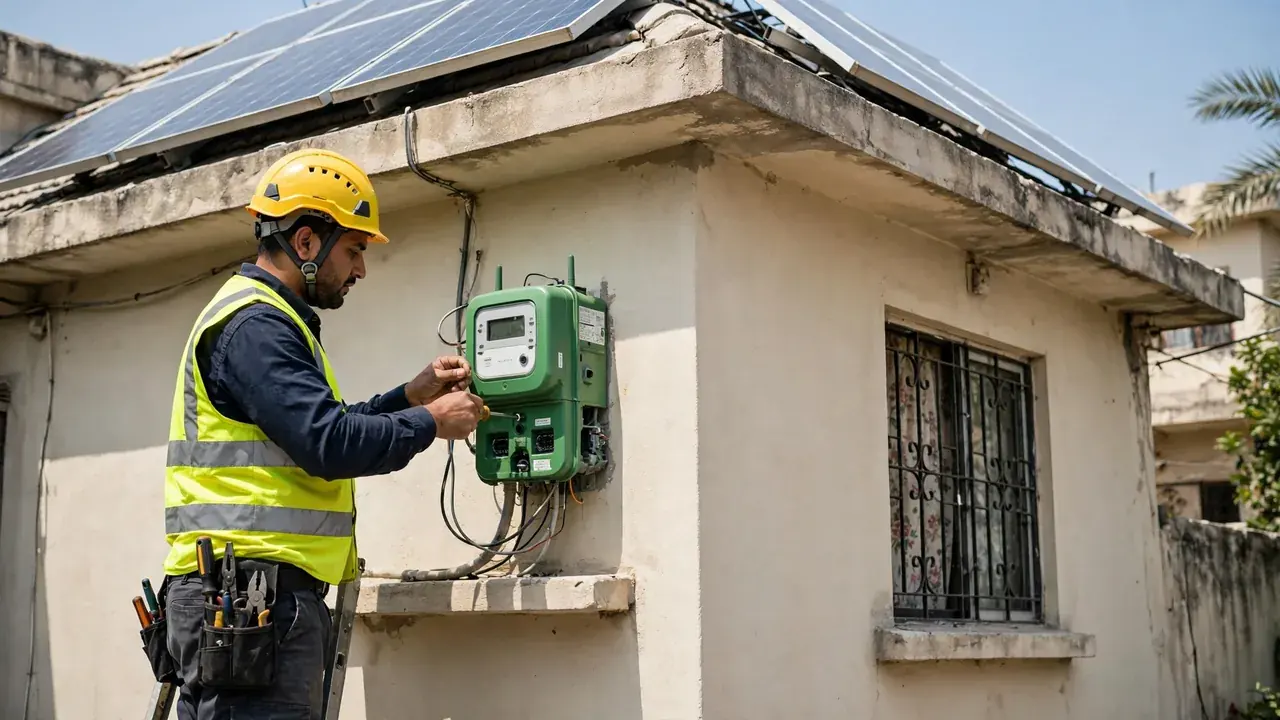
The last step is the meter. LESCO replaces your existing meter with a bi-directional smart meter — the green meter — tested and calibrated at LESCO’s Metering and Testing laboratory before it is fitted. Once it is installed and commissioned, your connection is activated for net billing, and exported units start counting from the first billing cycle after activation. Check the first bill: it should show both import and export readings. If it does not, raise it with your sub-division office right away, with your agreement and tracking ID in hand.
Systems Above 25 kW: One Extra Step
For home systems of 25 kW or below, LESCO approves the application directly and no NEPRA step is involved. Above 25 kW, LESCO forwards the case to NEPRA for concurrence before the agreement is signed, so allow extra time and make sure the file is complete — NEPRA can only decide on the documents it receives.
How Long Does the LESCO Application Take?
For a clean residential application, expect about 30 to 60 days from filing to an active green meter; the fastest finish in 15 to 30 days, while a file with missing documents or a load problem can stretch past three months.
| Stage | What happens | Typical time |
|---|---|---|
| Preparation | Design, SLD, and dossier | A few days to two weeks |
| Acknowledgement and review | LESCO checks the file; gaps flagged | Within the regulatory windows |
| Site inspection | Officer verifies the installed system | Days to a few weeks |
| Agreement signing | Interconnection agreement signed | Within a week of approval |
| Meter testing and installation | Green meter tested, fitted, commissioned | One to three weeks |
| Total, clean file | Filing to activation | About 30 to 60 days |
A complete file with a signed SLD clears review without queries, and a correct installation passes inspection the first time. The inspection queue and meter laboratory schedule vary by sub-division, so file early.
How to Track Your LESCO Net Metering Application
Follow the file on the PITC portal: choose the search option, select LESCO, and search with your tracking ID, CNIC, or reference number. If the status has not changed for several weeks, take the tracking ID to your sub-division office and ask in person. Keep a written note of every visit: the date, the officer, and what you were told to bring next time.
Common Reasons LESCO Delays or Rejects Applications
An incomplete dossier. A missing CNIC copy, an unsigned SLD, or a datasheet that does not match the installed model sends the file back. Check the document list line by line before filing.
Sanctioned load below the system size. The most common structural problem. Extend the load through the ENC portal before you file, not after.
Single-phase connection. A single-phase home cannot be approved for net billing at all. Convert to three-phase first.
Transformer at capacity. If your street’s transformer is already carrying its permitted share of solar, the application waits. Ask your installer to check before you commit to a system size.
Wrong sub-division. Filing with the wrong sub-division means the file is transferred, not processed. Your bill shows your sub-division — file there.
Mismatched equipment. The inverter’s serial number and manufacturer are recorded at inspection. If the installed inverter differs from the one in the file, the inspection fails.
Check Current Prices
Once your LESCO application is in, the next question is usually what the system itself costs. See the latest daily-updated tables on our homepage, including the current solar plate price in pakistan, the solar panel price in pakistan for leading brands, and the solar inverter price in pakistan for a hybrid inverter with storage.
Final Word
Applying for LESCO net metering is a paperwork process more than a technical one. Check your bill first — three-phase connection, sanctioned load at least as large as the system. Get the design and the single-line diagram done by a PEC-registered engineer, gather the full dossier, and file on the PITC Net Billing Portal with LESCO selected. Then follow the file with your tracking ID, pass the inspection, sign the five-year agreement, and check the first bill for your export readings. A clean file takes about 30 to 60 days — and most delays come from an incomplete dossier, or a sanctioned load that was never extended.
Frequently Asked Questions (FAQs)
How do I apply for net metering with LESCO in Lahore?
Apply on the PITC Net Billing Portal at nmp.pitc.com.pk: select LESCO, fill in your connection and system details, and upload the dossier — your CNIC, latest LESCO bills, property proof, a single-line diagram signed by a PEC-registered engineer, inverter and panel datasheets, a load calculation, and the installer agreement. LESCO then reviews the file, inspects the site, signs the interconnection agreement, and installs the bi-directional green meter.
Can I apply for LESCO net metering with a single-phase connection?
No. Under the 2026 regulations, a net billing applicant must be a three-phase consumer, so a single-phase connection does not qualify. If your home is still on a single-phase meter, apply for a three-phase conversion first — the net metering file cannot move until the conversion is done.
How long does LESCO take to approve a net metering application?
For a clean residential application, expect about 30 to 60 days from filing to an active green meter. The fastest files finish in 15 to 30 days, while a file with missing documents, a load problem, or a transformer that needs attention can stretch past three months.
What documents are needed for a LESCO net metering application?
You need a copy of your CNIC, your latest LESCO bills, property ownership proof, a single-line diagram signed by a PEC-registered engineer, inverter and panel datasheets, a load calculation report, the installer agreement and certification, and the net billing application form (Schedule-II). A missing paper can hold the file up for weeks, so gather everything before you file.
How can I check the status of my LESCO net metering application?
Follow it on the PITC Net Billing Portal: choose the search option, select LESCO, and search with your tracking ID, your CNIC, or your LESCO reference number. If the status has not changed for several weeks, take the tracking ID to your sub-division office and ask in person.
What happens if my sanctioned load is lower than my solar system size?
The application is returned, because the proposed system cannot be bigger than the sanctioned load shown on your LESCO bill. Extend the load first through the ENC portal, then file the net billing application — never the other way round.
Do I need NEPRA approval for a LESCO net metering connection?
Not for a home system of 25 kW or below — LESCO approves those directly, with no NEPRA step. For larger systems above 25 kW, LESCO forwards the case to NEPRA for concurrence before the agreement is signed, so allow extra time.