
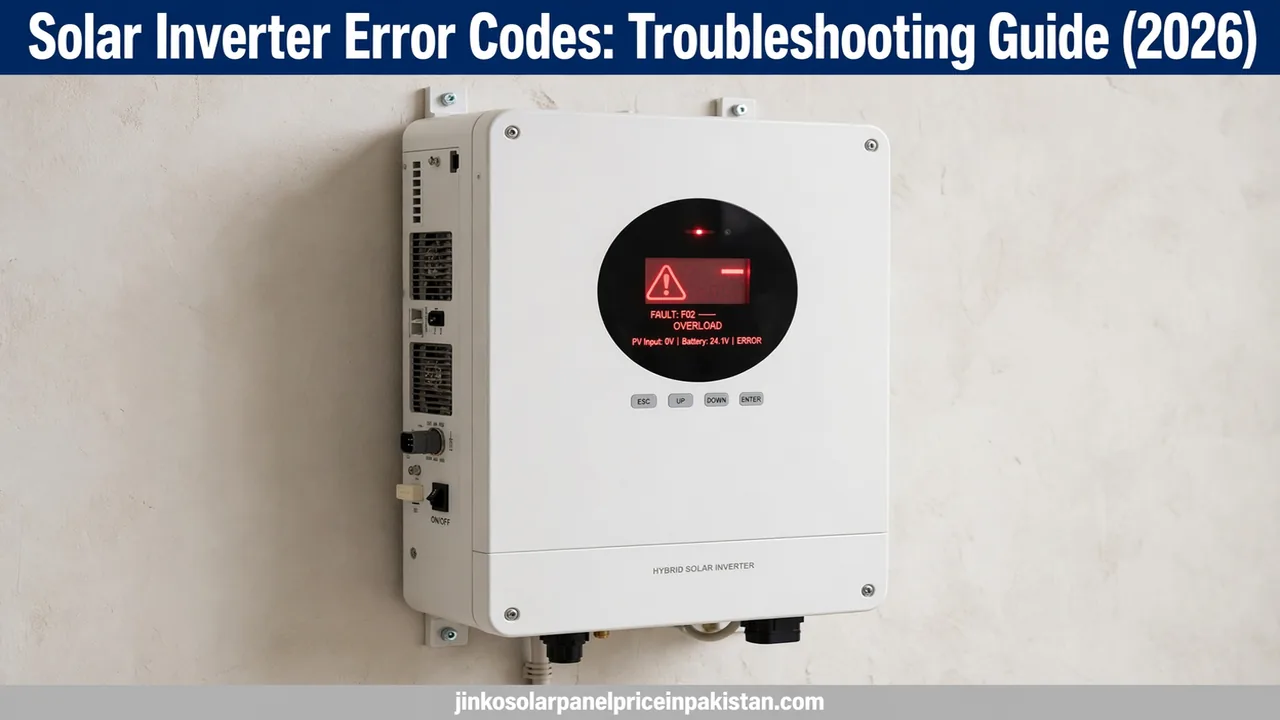
Solar Inverter Error Codes: Troubleshooting Guide

A solar inverter error code is your inverter telling you exactly what went wrong: instead of guessing why your system stopped producing power, the display or monitoring app shows a code — such as a grid fault, DC overvoltage or overtemperature warning — that points to the faulty part of the system. The right response is almost always the same: write down the exact code and message, look it up in your inverter manual’s troubleshooting table, and run the safe basic checks below before deciding whether you need your installer. This solar inverter error codes troubleshooting guide explains how to read these codes, what the most common categories mean, the safe restart procedure, and which faults you should never try to fix yourself.
How to Read Your Inverter’s Error Code
Error codes appear in up to three places. Most inverters show the code on a small LCD display on the unit itself. Many also push the same fault to the manufacturer’s monitoring app on your phone, sometimes with a plain-language description. Older or simpler models use blinking LED patterns instead of text — the manual translates the blink sequence into a code. Whichever your inverter uses, do three things the moment a code appears:
- Write down the exact code — including any letters, numbers and the short message on screen. “F02” and “F20” can mean completely different things.
- Note the conditions — time of day, whether the sun was strong, whether there was load shedding, and what appliances were running. This context often explains the fault.
- Check your model’s manual first — error codes are not universal. A code on a Solis inverter means something different from the same number on a Growatt or Inverex unit, so always use the troubleshooting table for your exact model. Manufacturers also publish official documentation online; for example, SMA’s official event message documentation lists every event number with its cause and corrective measures, which shows the level of detail a good manual provides.
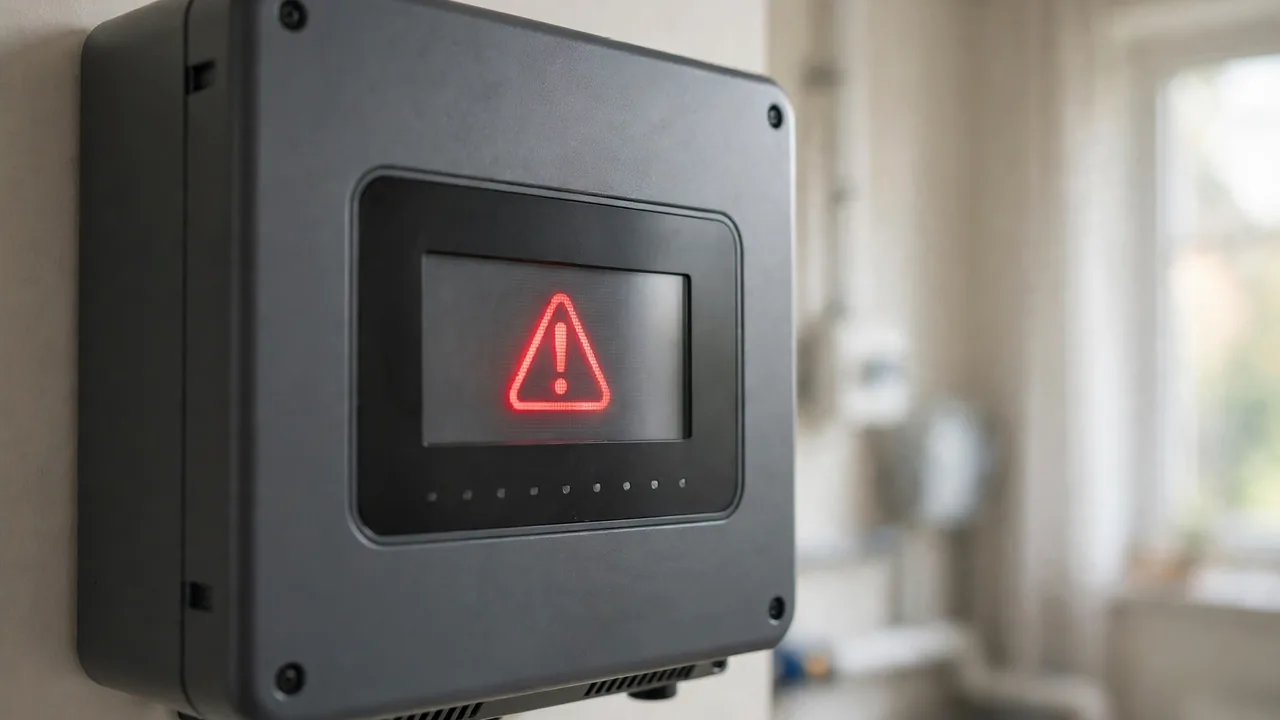
Getting into the habit of recording the code, the time and the conditions turns solar inverter error codes troubleshooting from guesswork into a repeatable process — and it is exactly what a technician will ask you for if you end up calling one.
Safe First Checks Anyone Can Do
Before touching anything electrical, run these five-minute checks. They resolve a surprising number of “faults” and they are completely safe:
- Is the grid actually available? During load shedding, on-grid and hybrid inverters will log grid-related faults and stop feeding power. That is normal behaviour, not a breakdown — the code should clear when the grid returns.
- Check your distribution board. A tripped AC breaker feeding the inverter produces fault codes that look alarming but clear as soon as the breaker is switched back on. Look for a breaker in the “off” or middle position.
- Look at the inverter’s surroundings. Blocked ventilation grilles, a unit baking in direct afternoon sun, or dust caked over the cooling fins are common causes of overtemperature warnings in Pakistani summers.
- Check the monitoring app. If the display is blank but the app shows data, the “fault” may just be a display or communication glitch rather than a system problem.
- Note whether the code is constant or intermittent. A code that appears for a few minutes at noon and clears by itself points to a different cause than one that stays on permanently.
What you must not do at this stage: open the inverter casing, pull DC connectors while the system is live, or start changing settings and parameters. Those steps belong to a qualified installer, and getting them wrong can damage the unit or void its warranty.
Common Error Code Categories and What They Mean
While exact codes vary by brand, nearly every inverter’s faults fall into the same five families. Knowing the family tells you how urgent the problem is.
Grid Faults — the Most Common in Pakistan
Grid overvoltage, undervoltage and frequency faults are the codes Pakistani solar owners see most often, simply because the national grid fluctuates. When the voltage or frequency at your connection point moves outside the permitted range, the inverter disconnects itself from the grid to protect your appliances and comply with safety rules. This is the inverter doing its job.
These faults are usually temporary: the inverter reconnects automatically once the grid stabilises, typically within a few minutes. If grid faults appear daily or the inverter stays disconnected for long periods, the problem may be your local connection — loose wiring, an overloaded transformer in the street, or incorrect grid parameters in the inverter settings — and your installer should investigate. If you are still choosing equipment, our solar inverter buying guide for Pakistan explains which inverter types handle unstable grids best.
DC Side Faults — Take These Seriously
Faults on the DC side (between the panels and the inverter) include PV overvoltage, insulation faults and ground faults. PV overvoltage means the string voltage is higher than the inverter’s maximum input — usually a design error where too many panels were wired in series, and it can destroy the inverter if ignored. Insulation or ground faults mean current is leaking somewhere it should not, often from a damaged cable, a cracked panel, moisture ingress after rain, or rodent-chewed wiring.
Unlike grid faults, DC faults rarely clear on their own, and they are the category most likely to indicate a genuine safety hazard. If your manual points to an insulation or ground fault, switch the system off using the procedure below and call your installer — do not keep resetting the inverter and hoping the code goes away.
Overload and Overtemperature
An overload fault means the connected load tried to draw more power than the inverter can supply — common when a heavy appliance starts up while the system is already near capacity. The fix is load management: stagger heavy appliances rather than running everything at once. Our guide to choosing the right inverter size explains how installers match capacity to household load so this stays rare.
Overtemperature warnings mean the inverter is too hot. In Pakistan this is often environmental: the unit mounted in direct sun, ventilation slots blocked by dust or stored items, or a cooling fan clogged after a dusty season. Clear the airflow, shade the unit if possible, and let it cool — the code should clear. Repeated overtemperature faults shorten the inverter’s life, so persistent ones deserve an installer’s visit.
Battery Faults (Hybrid and Off-Grid Inverters)
On hybrid systems, a separate family of codes relates to the battery bank: low battery voltage, battery overtemperature, and communication errors between the inverter and the battery’s management system. Low-voltage warnings during extended load shedding are normal — the battery is simply depleted. Communication errors, where the inverter cannot “talk” to the battery, usually trace back to a loose data cable or mismatched settings after a firmware update. If your system uses lithium batteries, our lithium battery guide explains how their built-in protection systems work.
Communication and Internal Faults
Codes about Wi-Fi, data loggers or app connectivity affect monitoring only — your system usually keeps producing power while you sort out the network issue. Restarting your router and re-pairing the monitoring dongle fixes most of these. Internal or “self-diagnosis” faults are different: they mean the inverter has detected a problem inside itself. These almost never have a user-side fix. Note the code, power the unit down safely, and contact your installer or the manufacturer’s service centre.
The Safe Restart Procedure
Many temporary faults clear with a proper restart — but the order matters. Powering an inverter down or up in the wrong sequence can cause arcing at the DC switch or confuse the unit’s startup checks. Follow this order every time:
- Write down the code first. A restart wipes the active fault from the display, and you will need the code if the problem returns.
- Switch off the AC breaker feeding the inverter at your distribution board.
- Switch off the DC isolator between the panels and the inverter.
- Wait at least five minutes. This lets internal capacitors discharge fully and gives an overheated unit time to cool.
- Do a visual check — clear blocked vents, confirm no burning smell, check that cable entries look intact from the outside.
- Switch the DC isolator back on first, then the AC breaker.
- Watch the display for several minutes. If the same code returns, stop restarting and call your installer — repeated resets of a genuine fault achieve nothing and can make things worse.
This is the same careful power sequence used during solar inverter installation, and it applies equally to troubleshooting.
Error Codes You Should Never Ignore
Some faults are safety-critical. If you see any of the following — or the manual describes them in safety terms — switch the system off using the procedure above and call your installer immediately instead of troubleshooting further:
- Insulation or ground faults — current leaking to earth is a shock and fire risk.
- DC overvoltage or arc-fault warnings — the inverter is telling you conditions exist that can damage it or start a fire.
- Any fault accompanied by a burning smell, smoke, or visible damage — switch off both AC and DC sides and keep clear.
- Internal or self-diagnosis faults that return after a restart — the unit needs professional service, not more resets.
- Repeated battery overtemperature or swelling on hybrid systems — isolate the battery bank if you safely can and get help.
When in doubt, treat the fault as serious. A wasted service visit costs far less than a damaged inverter or an electrical fire.
Keeping Error Codes Away: Simple Habits
Most inverter faults are preventable with basic care:
- Keep it ventilated. Leave the manufacturer’s recommended clearance around the unit and dust the vents every few months — especially before summer.
- Use the monitoring app. Many apps send push alerts for faults before you would ever walk past the display. Checking weekly production trends also reveals gradual problems early.
- Watch your loads. If overload faults appear, redistribute heavy appliances across the day rather than upgrading blindly.
- Schedule professional check-ups. An annual inspection — connections tightened, firmware updated, earthing verified — catches the wiring issues that become DC faults later.
- Keep the manual accessible. The troubleshooting table is the single most useful document you own for your system. Save a digital copy on your phone.
When to Call Your Installer
Call a professional when the code persists after a proper restart, when the manual labels the fault as safety-critical, when anything requires opening the inverter or changing parameters, or when the unit is still under warranty — unauthorised DIY repairs can void warranty coverage, and our hybrid solar inverter guide notes the same caution for battery-connected systems. When you call, have ready: the exact code, your inverter’s brand and model, when the fault first appeared, and what you already tried. That information lets the technician arrive with the right parts and often resolves the issue in a single visit.
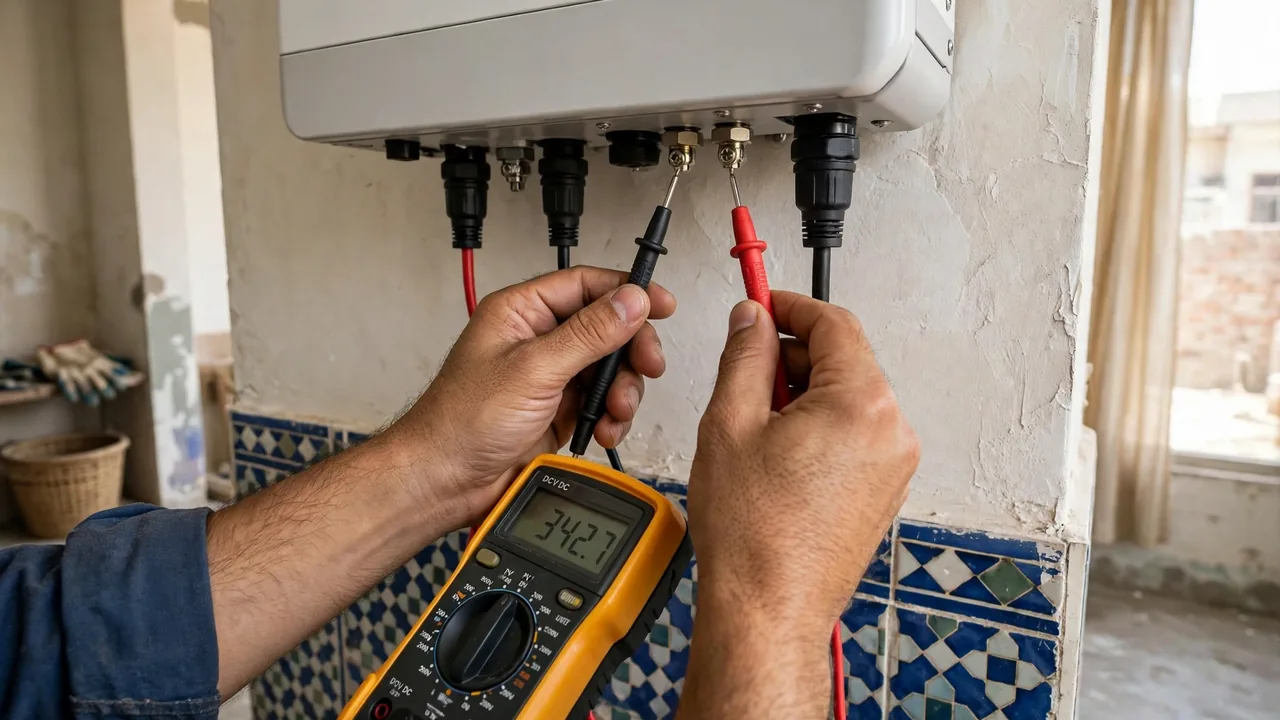
Choosing a competent technician matters as much as choosing the equipment — see the top hybrid inverters list for models with strong local service networks in Pakistan.
Check Current Prices
If troubleshooting has you thinking about replacing an ageing inverter or adding battery backup to your system, start with real numbers: our homepage carries daily updated solar price tables for panels, inverters and batteries across Pakistan, refreshed every morning from live market data.
Frequently Asked Questions (FAQs)
What should I do first when my solar inverter shows an error code?
Write down the exact code and message shown on the display or app, note the time and conditions (sunlight, load shedding, appliances running), then look the code up in your inverter manual’s troubleshooting table. Most manuals list each code with its cause and the recommended corrective action.
Can I safely reset my solar inverter myself?
Yes, a basic restart is safe if you follow the correct order: switch off the AC breaker first, then the DC isolator, wait at least five minutes, then switch the DC isolator back on followed by the AC breaker. If the same code returns after the restart, stop and call your installer.
Why does my inverter show a grid fault when there is no load shedding?
Grid faults trigger on voltage or frequency fluctuations, not just outages. Pakistan’s grid frequently drifts outside the permitted range even while power appears on. The inverter disconnects to protect itself and reconnects automatically when the grid stabilises; faults that occur daily warrant an installer’s check.
Do all inverter brands use the same error codes?
No. Error codes are manufacturer-specific — the same number can mean different things on different brands. Always use the troubleshooting table in your own model’s manual or the manufacturer’s official documentation, and never act on a code definition written for another brand.
What does an insulation or ground fault error mean?
It means the inverter has detected current leaking from the DC wiring or panels to earth — often from damaged cables, cracked panels or moisture ingress. This is a safety-critical fault: switch the system off and call your installer rather than repeatedly resetting the inverter.
Can an error code damage my inverter if I ignore it?
Some can. DC overvoltage, insulation faults and persistent overtemperature warnings can damage the inverter or create fire risks if ignored. Temporary grid faults are usually harmless, but any code that stays on or keeps returning should be investigated promptly.
Will troubleshooting or resetting my inverter void its warranty?
A basic restart performed the way the manual describes will not void your warranty. Opening the casing, changing protected parameters or attempting internal repairs yourself usually will. For anything beyond a restart and the manual’s recommended checks, use your installer or the manufacturer’s authorised service.
Where can I find the error code list for my inverter model?
In the user manual supplied with the inverter — most manufacturers include a full troubleshooting table. Many also publish official documentation online; for example, SMA maintains a public event-message reference listing every code with its causes and corrective measures.
