
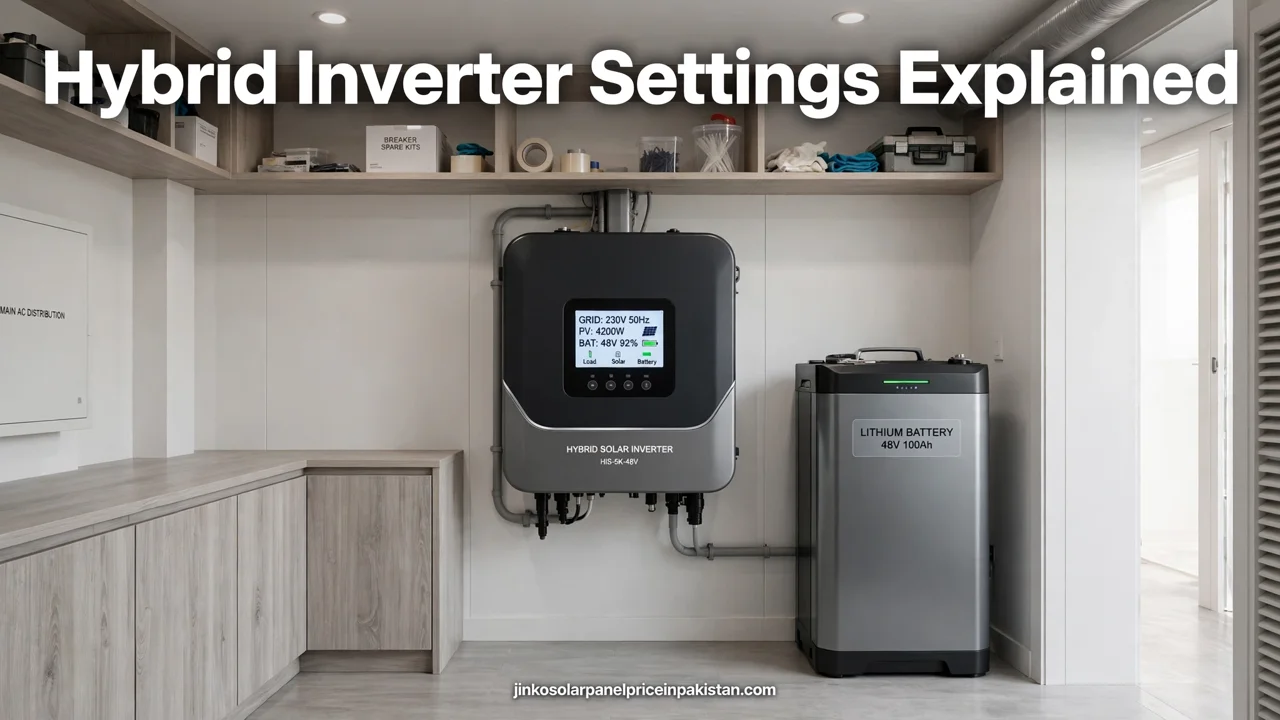
Hybrid Inverter Settings Explained: Complete Guide

Hybrid inverter settings decide where your solar power goes first: to your home, into your battery, or out to the grid. The most important settings are the work mode, the battery reserve level, the time-of-use schedule, and the export limit. Set these four correctly, and your system behaves the way you expect it to during the day, at night, and during a power outage. This guide explains each setting in plain language, so you can check your own inverter with confidence and know which settings to leave to your installer.
What Hybrid Inverter Settings Actually Control
A hybrid inverter sits between your solar panels, your battery, your home, and the grid. Every moment it must answer three questions: which source should power the home right now, what should happen to extra solar power, and what should happen when the grid fails. Its settings are your answers to those questions, stored in advance.
Most of the confusion comes from brand names. One manufacturer may call a mode “self-use”, another “self-consumption”, and a third “load first”. The labels differ, but the ideas behind them are the same across brands. Before changing anything, find your inverter’s own manual and match its exact menu names to the concepts in this guide. If a setting name does not match anything here, do not guess at it — ask your installer what it does.
It also helps to know what settings do not do. They cannot make your panels produce more sunlight or fix a wrongly sized system. If your system is underperforming, check the basics first — shading, loose connections, and fault codes — before blaming a setting. Our solar inverter error codes troubleshooting guide explains how to read the warnings your inverter shows you.
Where to Find the Settings: Display, Buttons, or App
Most hybrid inverters offer two ways to change settings: the small display and buttons on the unit itself, and a mobile app or web portal connected over Wi-Fi or Bluetooth. The display is useful for quick checks, such as today’s production or the battery level. The app is usually better for schedules and detailed settings, because it shows full menus on a larger screen.
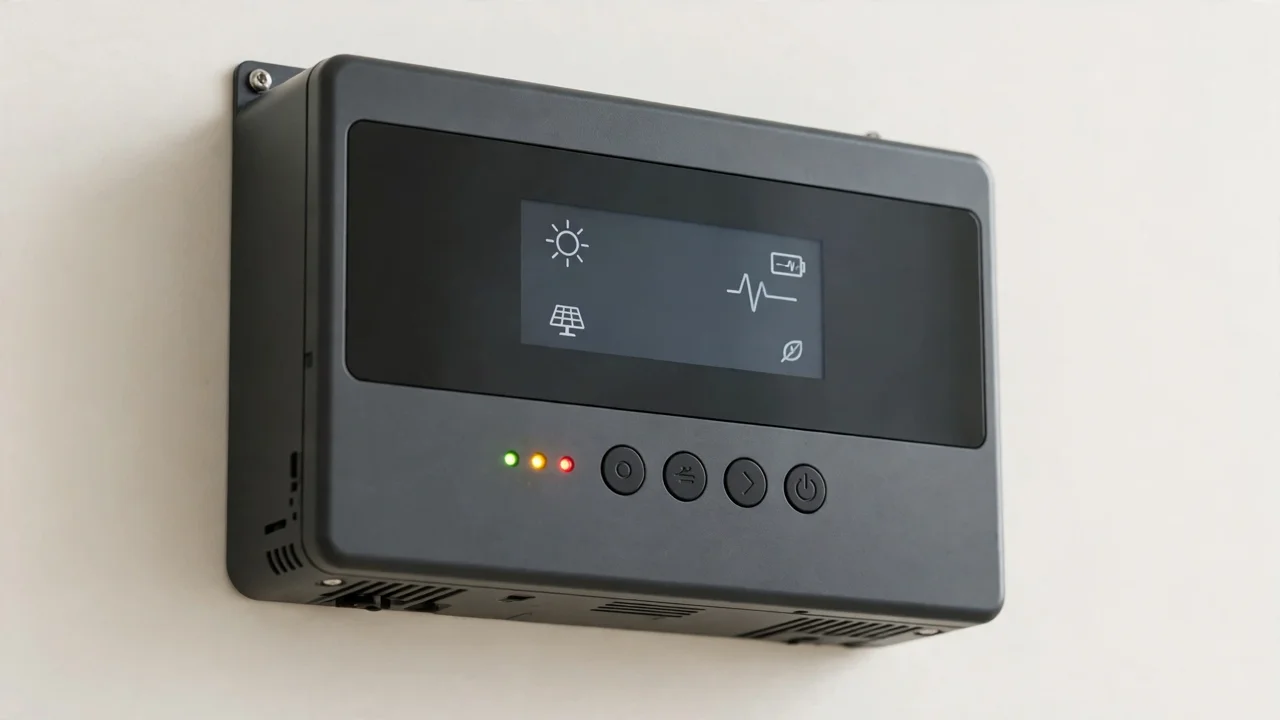
Whichever route you use, change one setting at a time and note what you changed. If the system starts behaving oddly after a change, you can undo that single change instead of guessing among several. Take a photo of each settings screen before you edit it, so you always have a way back to the original values.
Work Modes Explained: Self-Use, Feed-In Priority, Off-Grid, and More
The work mode is the single most important setting on a hybrid inverter. It sets the priority order for your solar power. Here are the modes you are most likely to meet, in plain language.
Self-use mode
In self-use mode, solar power first supplies your home. Extra solar power charges the battery. Once the battery is full, any remaining power is exported to the grid, if export is allowed. At night, the battery powers the home until it reaches its reserve level, and then the grid takes over. This is the default mode on many inverters and suits most homes, because it maximises use of your own solar power.
Feed-in priority mode
In feed-in priority mode, solar power still supplies the home first, but extra power is exported to the grid before charging the battery. This suits households that earn a worthwhile credit for exported units and do not need much stored energy at night. Do not use it if your export is set to zero, because then the power has nowhere useful to go and the inverter may reduce panel output.
Off-grid mode
Off-grid mode is only for systems not connected to the grid at all. It behaves like self-use mode, except that when the battery is full and the home needs less power than the panels produce, the inverter reduces panel output instead of exporting. Never select this mode on a grid-connected system unless your installer tells you to.
Peak shaving mode
Peak shaving caps how much power your home draws from the grid; when demand rises above the cap, the battery supplies the difference. Treat it as an installer setting unless you fully understand it.
Backup mode and the battery reserve
Backup mode can usually run alongside self-use or feed-in priority mode. It reserves a portion of the battery purely for outages, so the battery never drains below that reserve during normal operation. Without a reserve, a battery drained overnight may be empty exactly when an outage hits. For a full explanation of how hybrid backup works, see our hybrid solar inverter guide for Pakistan.
Battery Settings That Matter Most
Beyond the work mode, four battery settings shape daily behaviour more than any others.
Reserve level (minimum state of charge). This is the floor below which the battery will not normally discharge. A higher reserve means more backup energy for outages but less stored energy for nightly use. Match it to your priorities: homes with frequent outages should keep a meaningful reserve, while homes with a stable grid can allow deeper nightly use.
Charge and discharge limits. These cap how fast the battery charges and discharges. Lower limits are gentler on the battery but slower to respond to heavy loads. Your installer should set these to match your battery’s specifications — never raise them above what the battery manufacturer allows.
Grid charging. This setting decides whether the battery may charge from the grid, for example overnight when solar power is unavailable. It is useful for time-of-use schedules, but switch it off if you only want the battery charged by solar power. Check it carefully, because an enabled grid-charging option can quietly charge the battery from the grid every night.
Battery type and capacity. The inverter must know which battery chemistry and capacity it is working with, so its charge profile and state-of-charge readings stay accurate. This is an installer setting: a wrong battery profile can shorten battery life or trigger false alarms. Our inverter and battery pairing guide explains why matching the two correctly matters so much.
Time-of-Use Schedules: Charging and Discharging on a Clock
A time-of-use schedule tells the inverter when the battery may charge and discharge, instead of leaving that decision to the work mode alone. A typical pattern is: charge from solar power during the day, discharge to cover evening loads, and avoid discharging at night when the home needs little power. Households on a time-of-use tariff may add a second rule, such as charging from the grid during cheap off-peak hours and discharging during expensive peak hours.
When you set a schedule, check three things. First, the charge and discharge windows must not contradict each other. Second, the schedule must leave the battery with enough charge for your evening loads and your backup reserve. Third, the inverter’s clock must be correct — a schedule is useless if the inverter thinks it is morning at midnight. Enable automatic time sync in the app if your inverter offers it.
Keep schedules simple. One or two windows per day are easier to understand and troubleshoot than a long list of short slots, and revisit the schedule when your routine changes, for example during a holiday.
Export Settings and Grid Rules: What Never to Change Yourself
Export settings control how much power, if any, your system sends back to the grid. Some systems allow full export, some cap export at a fixed limit, and some use a zero-export setting. Your setting must match what your distribution company and your net metering arrangement allow.
Closely related is the grid code or country setting, which tells the inverter the voltage and frequency rules of your local grid. Never change the grid code yourself. It is set during commissioning for your region, and changing it can make the inverter disconnect, misbehave, or operate unsafely. If your inverter shows a grid-related fault, note the code and call your installer — do not try to fix it by switching grid settings.
For background on how exported units are treated under net metering, see our home solar sizing guide and the net metering guides linked from it. The key point for settings is simple: export behaviour is a grid-compliance matter, not a personal preference, so it belongs in the installer conversation.
Monitoring, Alerts, and App Settings

Turn on fault and warning notifications, so the app alerts you instead of you discovering a problem days later on the display. Check that the app shows the same battery level and production figures as the inverter display. Also never interrupt a firmware update once it starts.
Monitoring data is also the best way to judge whether a settings change worked. Compare a week of behaviour before and after a change: battery levels through the night, grid import during the evening, and exported units during the day. If a change does not produce the behaviour you wanted, revert it and rethink the logic rather than stacking more changes on top.
Common Hybrid Inverter Settings Mistakes
- Feed-in priority with zero export. The inverter has nowhere to send extra power, so it curtails panel output and you lose production.
- Grid charging left on by accident. The battery charges from the grid overnight even though you only wanted solar charging.
- No battery reserve in a load-shedding area. The battery drains overnight and is empty when an outage arrives.
- A time-of-use schedule fighting the work mode. The schedule and the mode give opposite instructions, producing confusing behaviour that looks like a fault.
- Changing the grid code to clear a fault. This can breach grid rules and create a safety problem; grid faults belong to the installer.
If your inverter is showing fault codes while you investigate settings, our error codes guide helps you separate a genuine fault from a settings problem.
A Simple Settings Checklist for Common Households
- Family at home during the day: self-use mode, a modest battery reserve, and no grid charging. Solar power covers daytime loads directly.
- Working family, home mainly in the evening: self-use mode with a time-of-use schedule that saves battery energy for the evening, plus a reserve for outages.
- Frequent load shedding: self-use mode with a healthy battery reserve and backup loads wired to the backup output. Confirm which circuits are backed up before an outage tests them.
- Net metering household: confirm the export setting matches your arrangement first, then choose between self-use and feed-in priority based on how you value stored energy versus exported units.
- Off-grid home: off-grid mode only, with battery settings matched to your battery model and a reserve that covers overnight essentials.
When to Call Your Installer Instead
Call your installer — do not keep experimenting — if you see repeated fault codes, the inverter will not stay connected to the grid, the battery level reading looks wrong, a setting asks for an installer password, or anything involves the grid code, export limits, battery profile, or wiring. These are safety and compliance matters, not user preferences. Note down what you changed, when you changed it, and what you observed; that record will save your installer a great deal of diagnostic time.
For the wider picture — choosing the right inverter type, sizing it for your home, and installing it correctly — start with our solar inverter buying guide for Pakistan and our solar inverter installation guide. Settings work best when the underlying system is right.
Check Current Prices
Settings knowledge and panel choice go together: the right inverter settings protect your investment, and the right panels make the most of it. For today’s updated solar panel prices across all major brands, visit the homepage, where price tables are updated daily.
Frequently Asked Questions (FAQs)
What is the most important setting on a hybrid inverter?
The work mode. It sets the priority order for your solar power: whether extra power charges the battery first, is exported to the grid first, or is kept for backup. Most other settings, such as time-of-use schedules, only refine what the work mode already decides.
What is self-use mode on a hybrid inverter?
In self-use mode, solar power first supplies your home, extra power charges the battery, and any remaining power is exported once the battery is full. At night, the battery powers the home until it reaches its reserve level, and then the grid takes over. It suits most homes.
What is feed-in priority mode, and when should it be used?
In feed-in priority mode, solar power supplies the home first, but extra power is exported to the grid before charging the battery. It suits households that value exported units more than stored energy. It should not be used if export is set to zero, because the extra power then has nowhere useful to go.
What does the battery reserve setting do?
The battery reserve, or minimum state of charge, is the floor below which the battery will not normally discharge. It keeps energy in reserve for power outages. A higher reserve means more backup energy but less stored energy for nightly use, so set it to match how much you rely on backup power.
How does a time-of-use schedule work on a hybrid inverter?
A time-of-use schedule tells the inverter when the battery may charge and discharge. For example, it can save battery energy for the evening, when the home needs it most, instead of discharging during the night. Keep schedules simple, check that the inverter clock is correct, and make sure the schedule still leaves enough charge for your backup reserve.
Should grid charging be switched on for a hybrid inverter?
Only if you want the battery to charge from the grid, for example overnight on a time-of-use tariff. If you only want solar charging, switch grid charging off. Check this setting carefully, because an enabled grid-charging option can quietly charge the battery from the grid every night.
Can I change the grid code setting on my hybrid inverter?
No. The grid code tells the inverter the voltage and frequency rules of your local grid, and it is set during commissioning for your region. Changing it can make the inverter disconnect, misbehave, or operate unsafely. Grid-related faults should be reported to your installer.
What should I do if my hybrid inverter settings do not seem to work?
First, check that you changed only one setting and give the system a few days to show the new behaviour. Then check the app against the inverter display for mismatches, and look for fault codes. If behaviour still does not match the settings, or a setting asks for an installer password, call your installer rather than changing more settings.
